
Overview
One place to follow every investment.
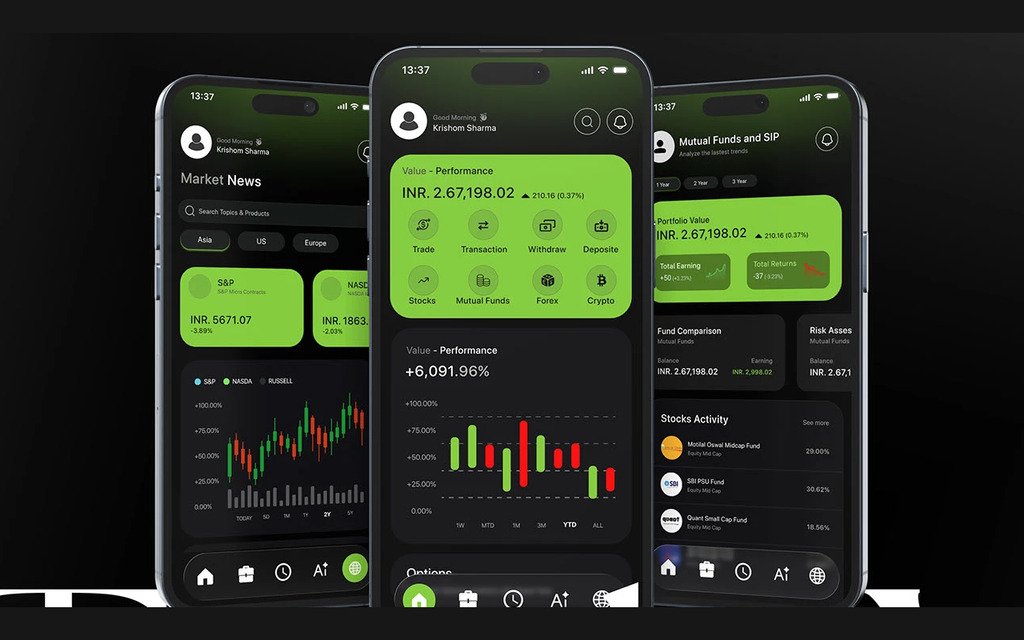
TradeX is an AI-powered finance app that brings trading, mutual funds, loans, crypto and forex into a single dashboard.
It combines real-time insights, personalised recommendations and market analysis, so people can make financial decisions with more confidence, without switching between apps.
Project timeline
Three weeks from research to a finished design.
The timeline covers the whole project, from the first concept to the development stage.
-
Week 1
Initialisation
- Research and user analysis2 days
-
Week 1
Research
- UX stage2 days
- Wireframing and prototyping4 days
-
Week 2
Designing
- UI stage5 days
- Design system2 days
-
Week 3
Testing
- User testing2 days
- Improvements and feedback2 days
-
Week 3
Final
- Case study preparation2 days
The problem
Investors were juggling too many apps.
Modern investors rely on separate apps for trading, mutual funds, loans, crypto and forex.
That split creates confusion, gives a poor view of their overall finances, and makes it hard to make timely, data-driven decisions, especially for people who are new to investing.
The solution
A clear, AI-powered dashboard that tracks everything.
-
One unified dashboard
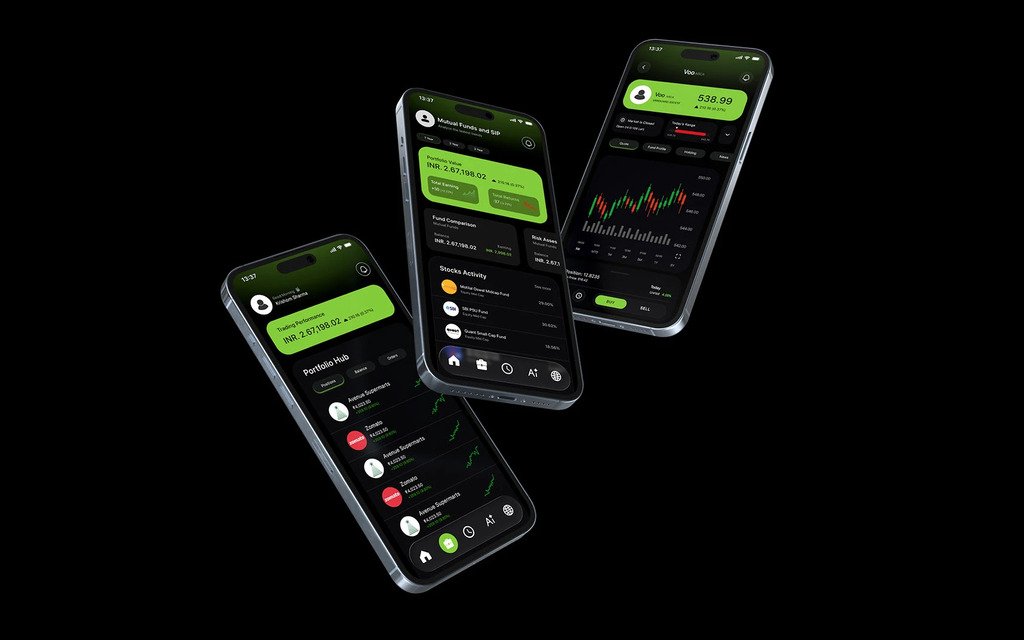
An AI-powered dashboard that brings trading, investments, crypto, forex and loans together in one clear view.
-
Data that is easy to read
Data visualisation with real-time insights, to make complex financial information and portfolio tracking simpler.
-
Recommendations and alerts
Smart recommendations and alerts that help people stay informed, consistent and confident in their financial decisions.
Users
Two investors with different starting points.
Two detailed personas represent the people TradeX is for: what they need, what they want to achieve and how they feel about managing money.
Rahul Verma
Age 31 Mumbai, India Retail investor and working professional
“Managing my money shouldn’t feel overwhelming. I want one smart platform that helps me understand my investments, track performance, and guide me with clear insights, without jumping between multiple apps.”
Needs
- Clarity and insights: 50%
- Security and trust: 30%
- Consistency and growth: 20%
Goals
- Monitor stocks, mutual funds, crypto and forex from one dashboard, and understand portfolio performance through simple visual analytics
- Receive AI-driven insights and alerts for smarter decisions
- Stay consistent with long-term investing and financial planning
Ananya Sharma
Age 26 Pune, India Early-career professional and investor
“I want to grow my money, but I don’t want to feel intimidated by complex charts or risky decisions. I need a financial app that guides me, explains things clearly, and helps me invest with confidence.”
Needs
- Clarity and simplicity: 45%
- Security and trust: 35%
- Guided insights: 20%
Goals
- Invest confidently across stocks, mutual funds and crypto using a single, easy-to-understand platform
- Track portfolio performance with visual analytics that clearly show growth, risk and returns
- Receive AI-driven recommendations and alerts tailored to personal goals and risk tolerance
Information architecture
Five places to start from.
The information architecture was built from the needs and behaviour of the two personas: five entry points, with everything else one level below.
-
Home
- Trade
- Withdraw
- Forex
- Stocks
- Transaction
- Mutual funds
- Search
- Crypto
- Notifications
- Profile
- Deposit
-
Portfolio
- Stocks
- SIP
- Mutual funds
-
Watchlist
- View
- Remove
-
AI
- New chat
- Chat history
-
News
- Local
- Global
Final design
From sign-up to a buy order.
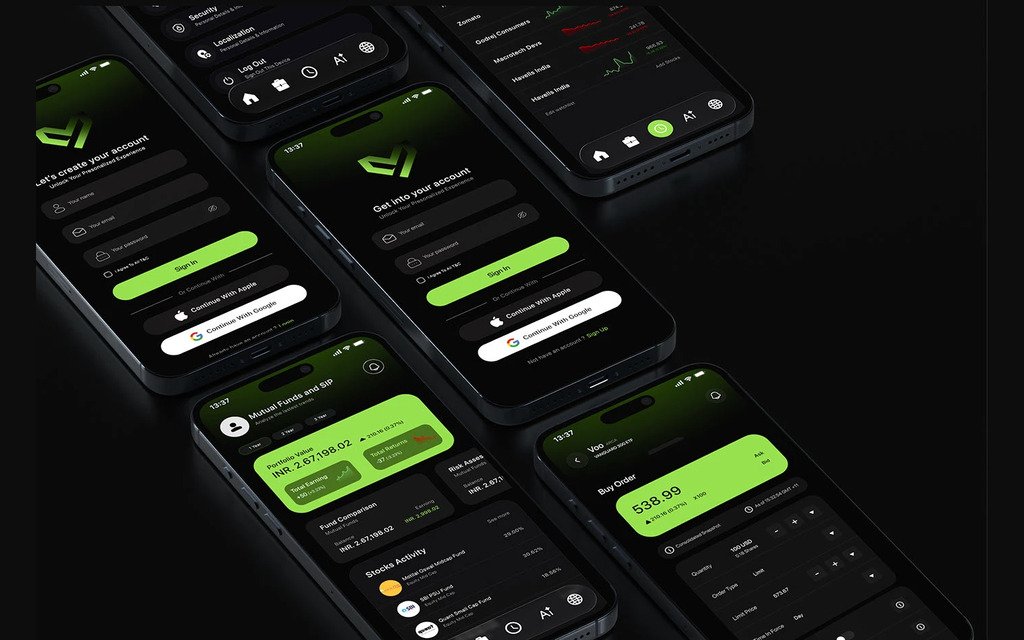
Every screen, in full, on Behance.
View the case study on Behance